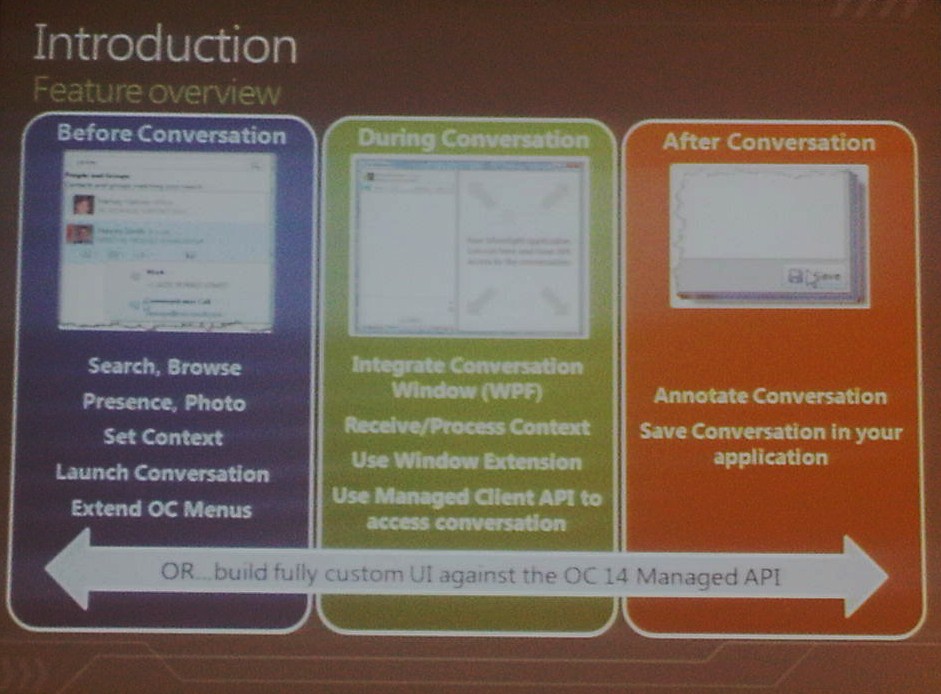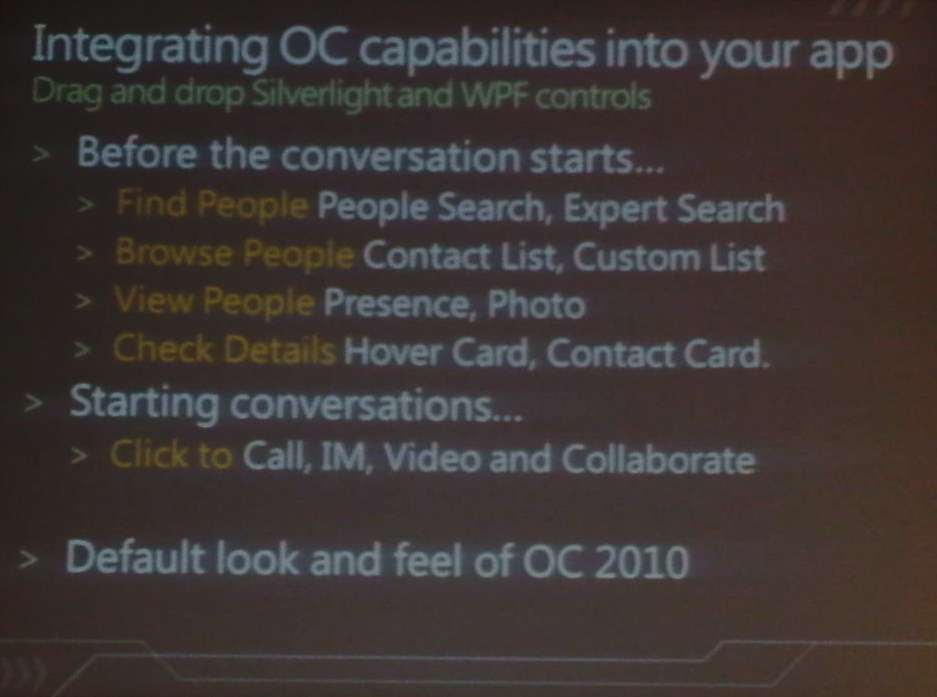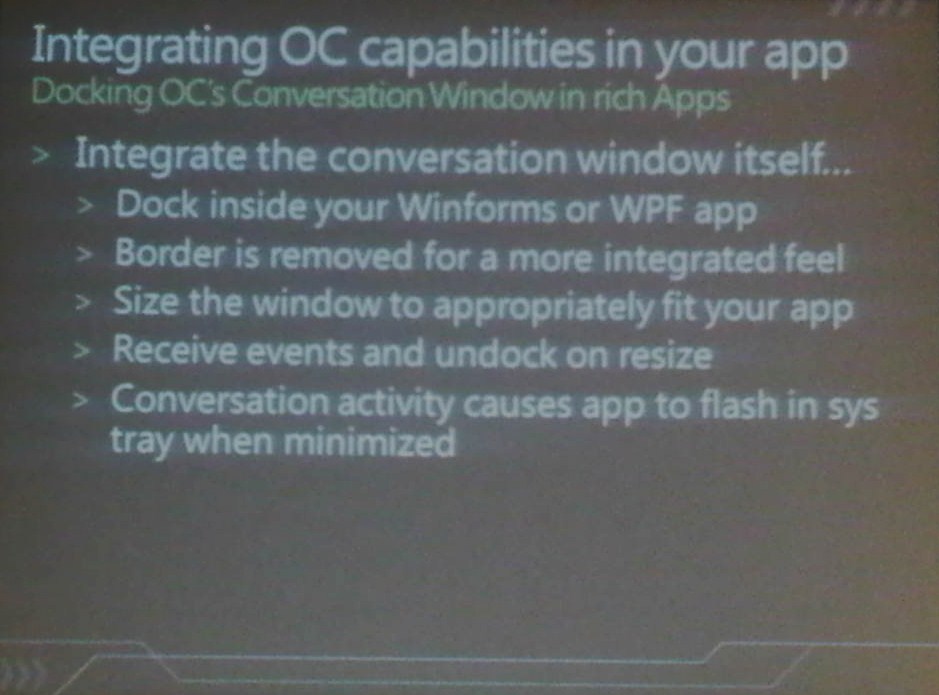
Apparently my photo generated PowerPoint decks are not that great (day job safe…for now anyways)

For those interested, the real slides and videos are now online.

Microsoft Unified Communications: Developer Platform Futures presented by Chris Mayo WMV WMVHigh MP4 Slides
Integrating and Extending the Microsoft Office Communicator Experience with Windows Presentation Foundation and Microsoft Silverlight presented by David Ollason WMV WMVHigh MP4 Slides

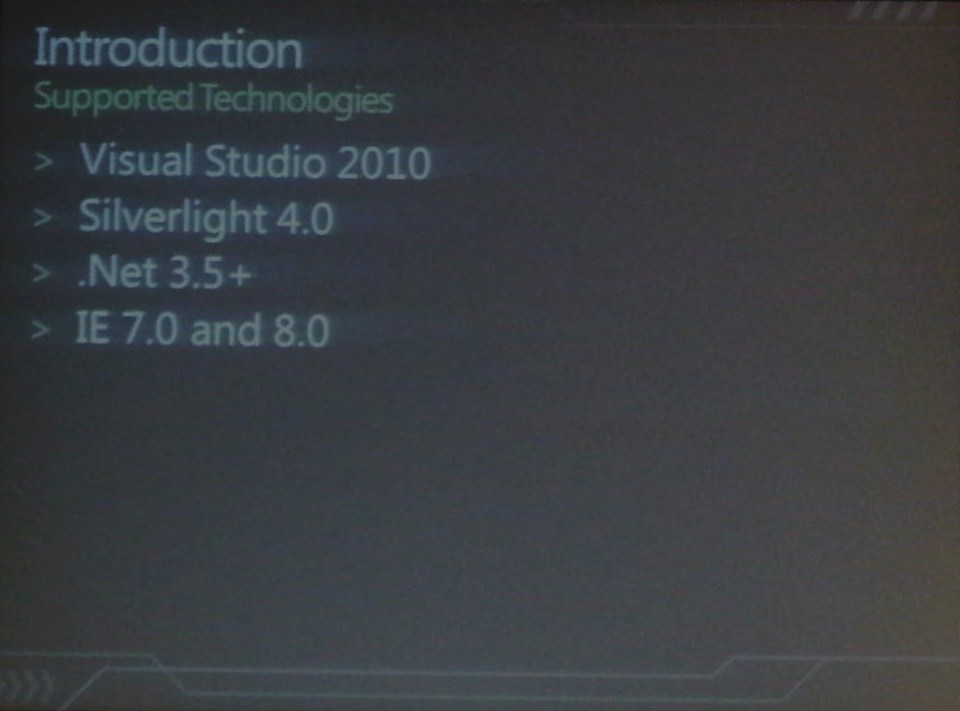
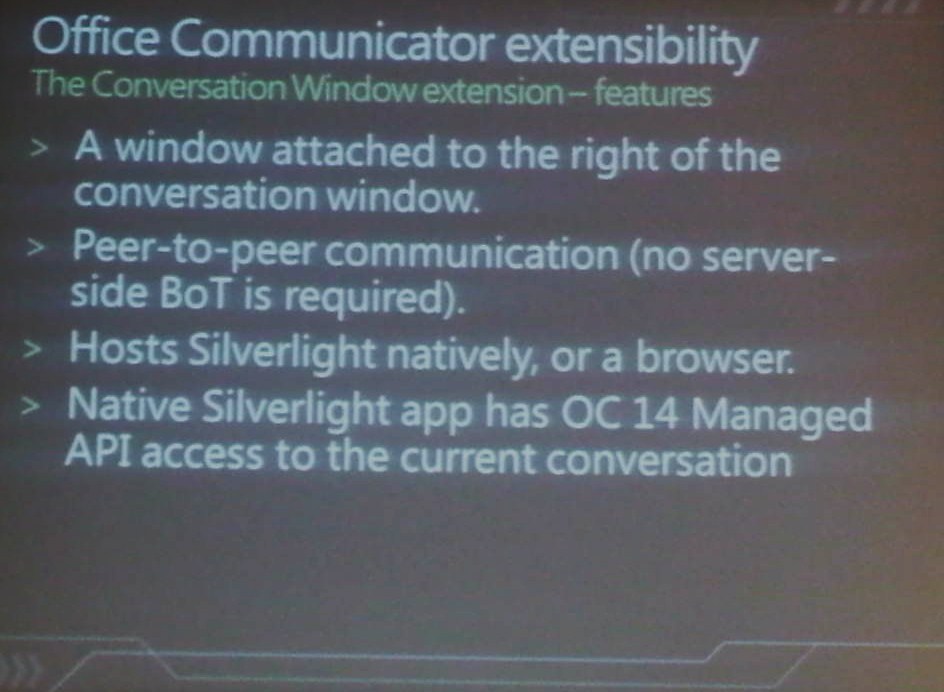
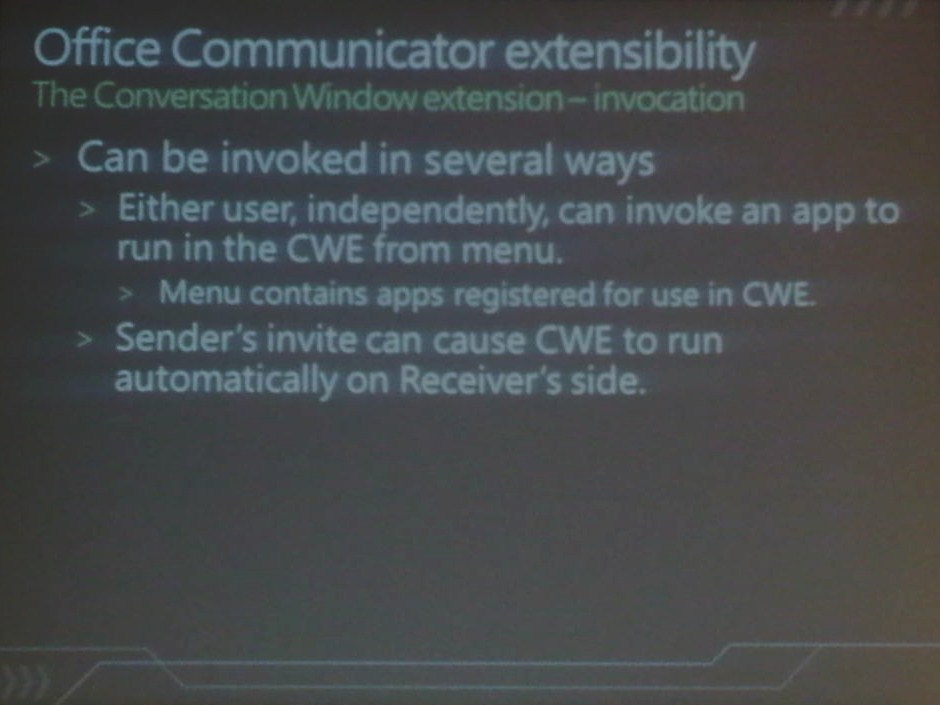
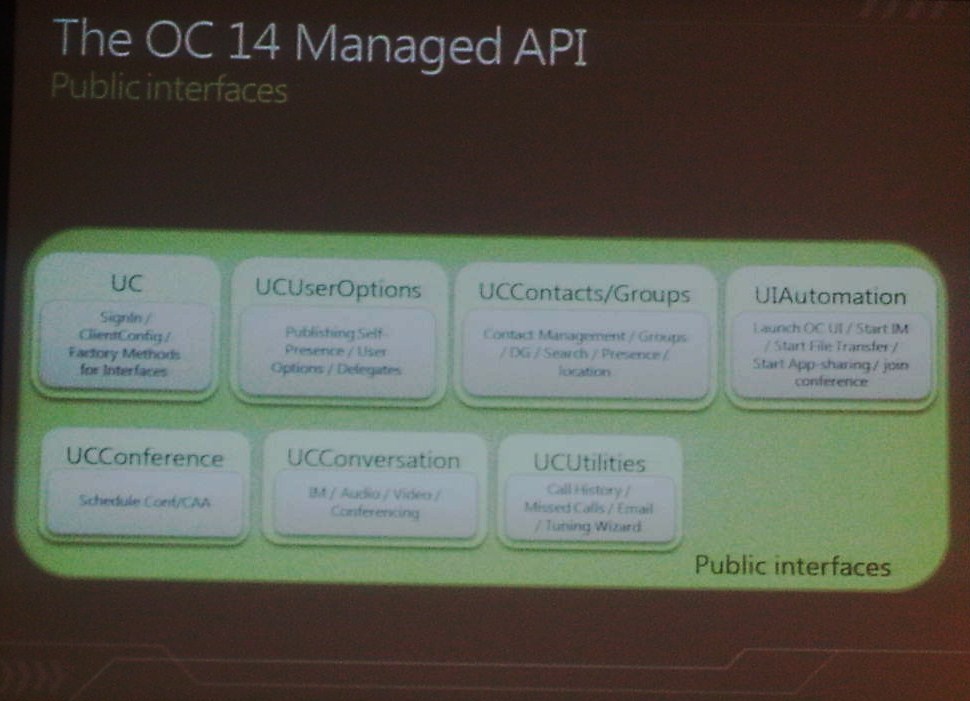
Today’s session focussed on the extendibility within the wave 14 communications platform was presented by David Ollason (Principal Lead Program Manager at Microsoft). David explained these development opportunities and gave examples; tools in scope were WPF and Silverlight (no surprises here).

As with yesterday’s session my trusty BlackBerry was used to take pictures in low light conditions, you may have noticed that I have taken the liberty of playing about with contrast/brightness settings (it kinda helped, a bit!) I also had a better seat today so a reduced camera angle J

Firstly we were informed that everything we were about to see was (as with yesterday) running on pre-alpha w14 code, the mention of 2010 was also heard – logically it has always been suggested that w14 is likely to become Office Communications Server 2010.

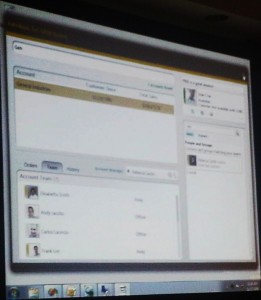
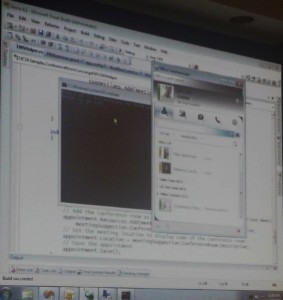
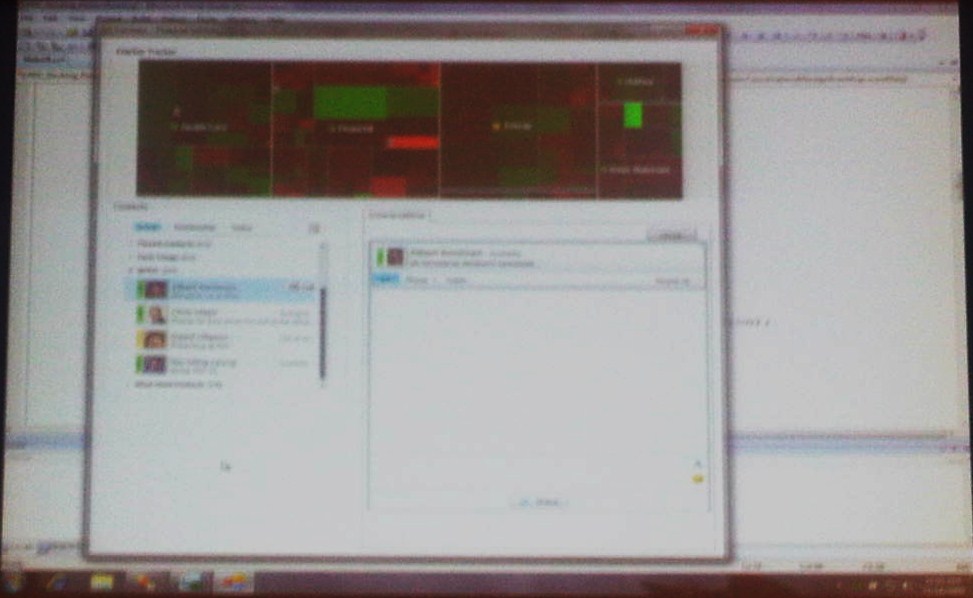
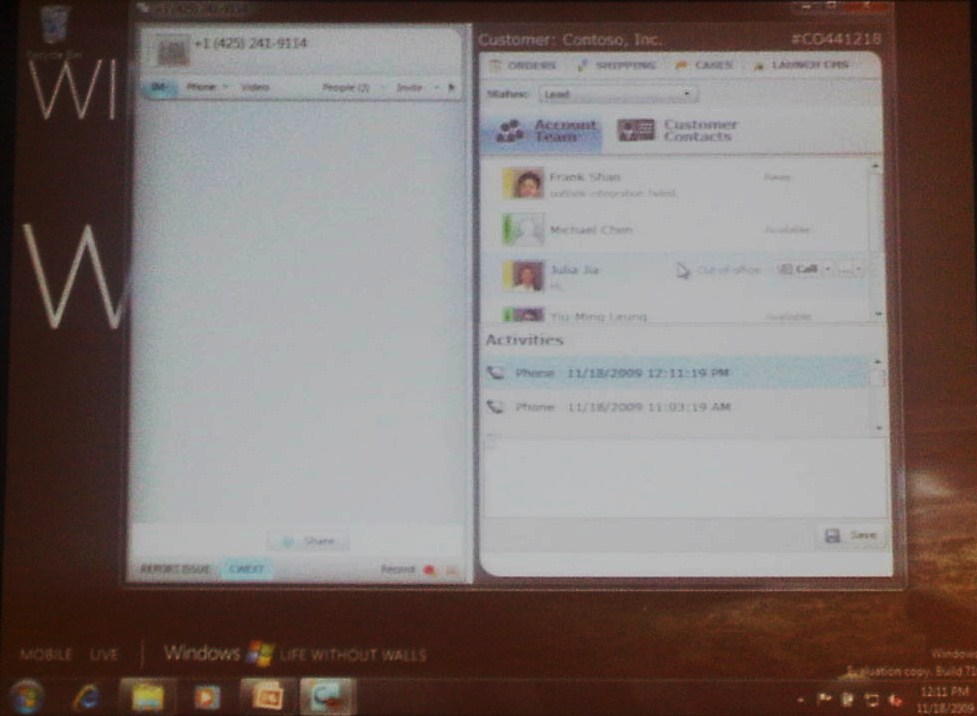
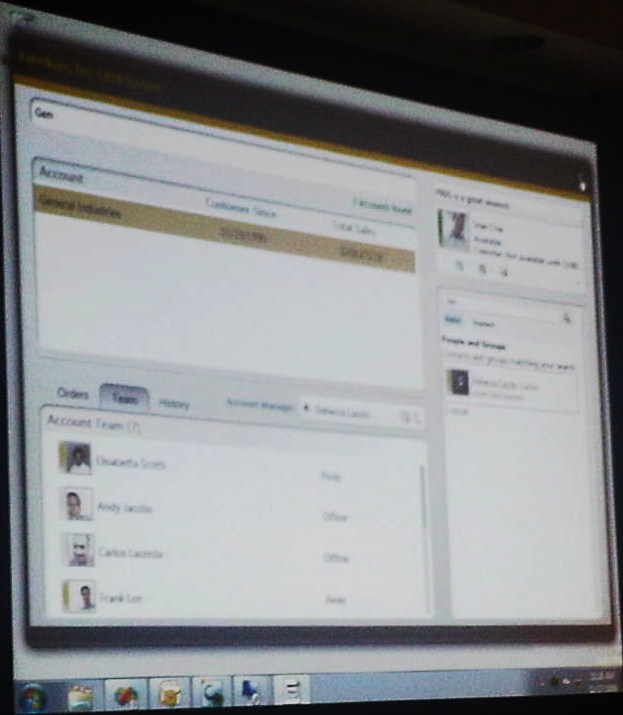
We were next introduced to a web/Silverlight application that directly interrogated OC 2010 information (see picture).

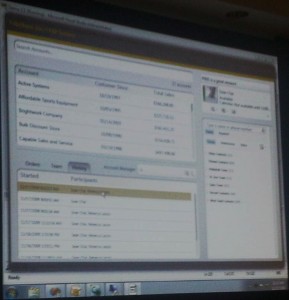
Followed by a WPF application (see picture).

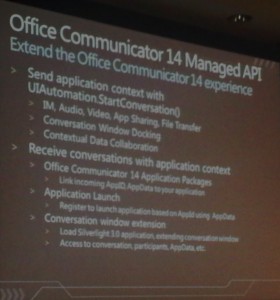
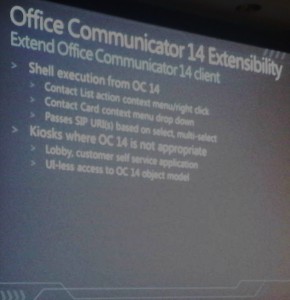
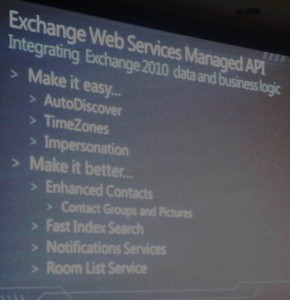
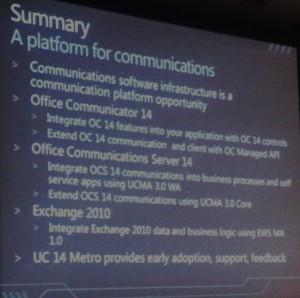
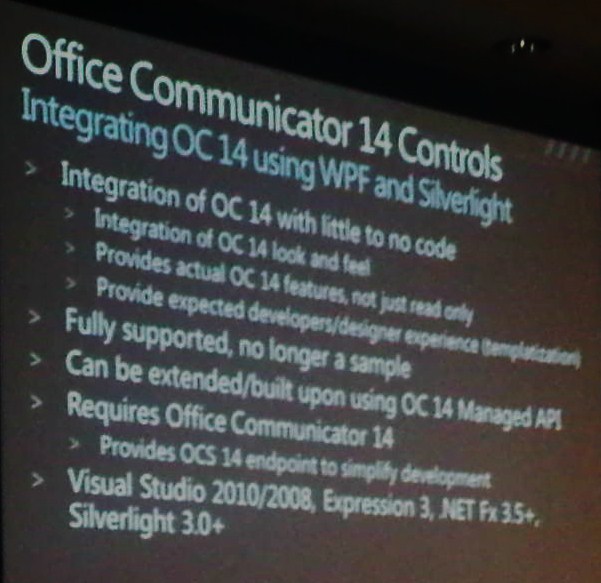
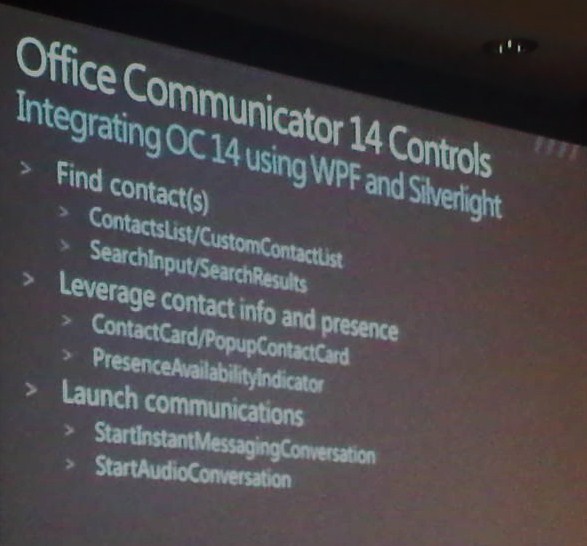
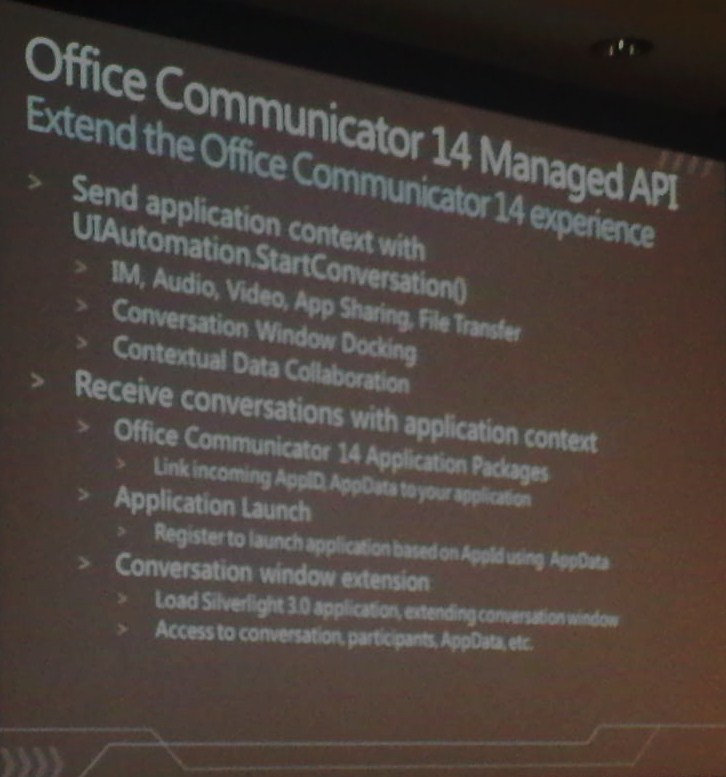
Hopefully you can follow the theme of the presentation by following the slides presented below.

Silverlight example

WPF example

That’s it for today…

November 18th, 2009 | Tags: , ,

Brett Johnson has posted a “how-to” guide on enabling Communicator presence within Exchange 2010 OWA, interestingly a local installation of the client is not required (comms is carried by OCS web services).

Source: here

Today I attended a session run by Chris Mayo (UC Technical Evangelist at Microsoft). The session’s topic, development platform futures with Microsoft’s unified communications platform, namely Office Communications Server.

The interesting little nugget that I picked up on was that everything discussed or demonstrated was running on pre-alpha wave 14 code and…(wait for it) there was no NDA this time!

You may recall a week back I attended a Microsoft Messaging and Mobility / Unified Communications User Group, at this session Yancey Smith mentioned Chris would be running his overview on OCS W14.

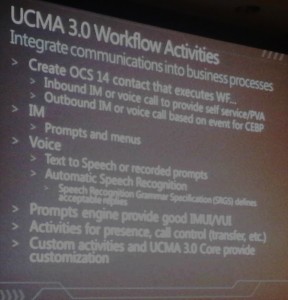
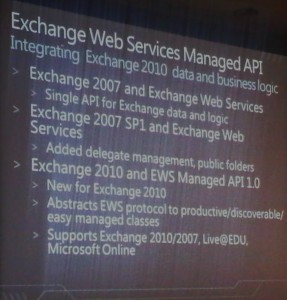
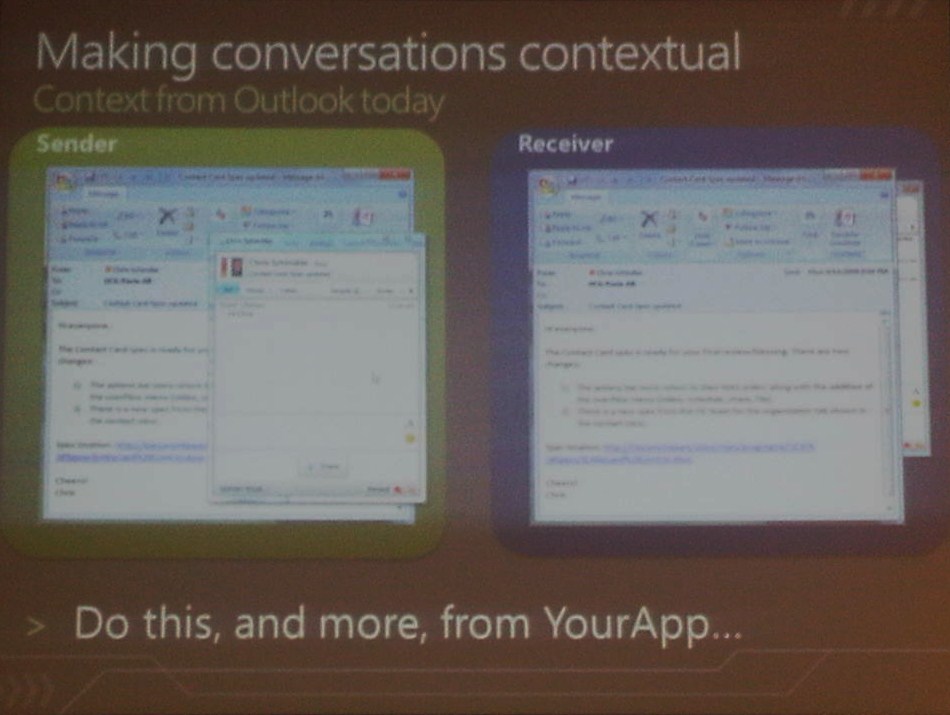
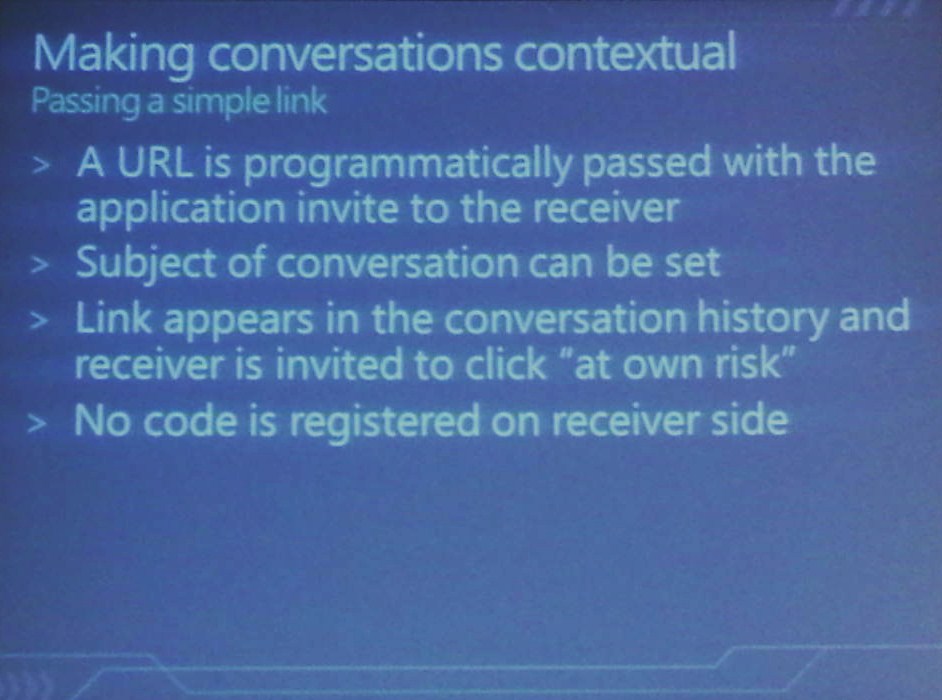
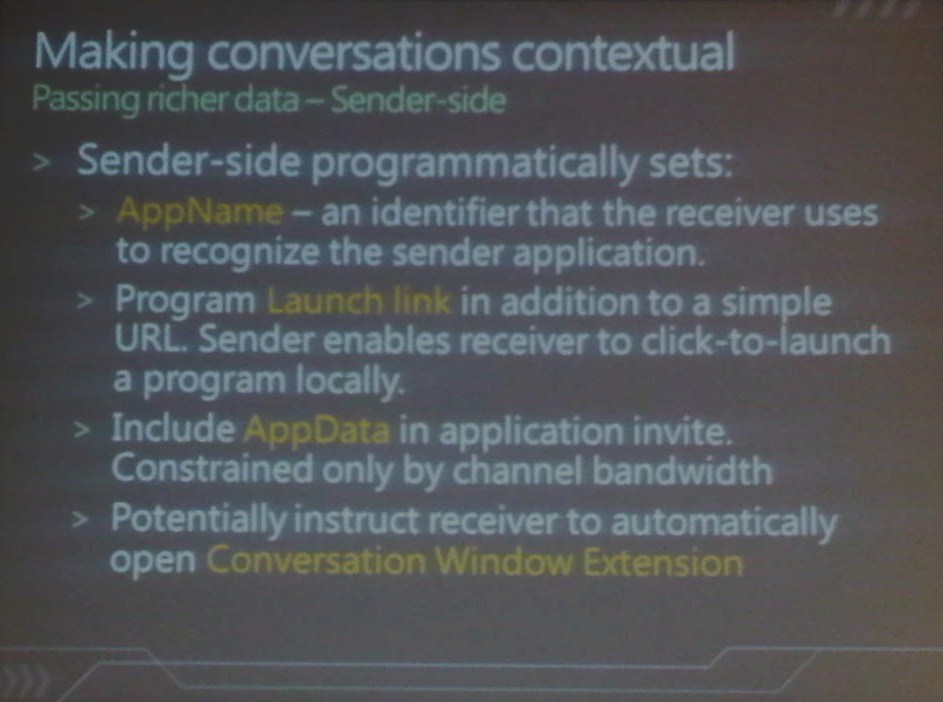
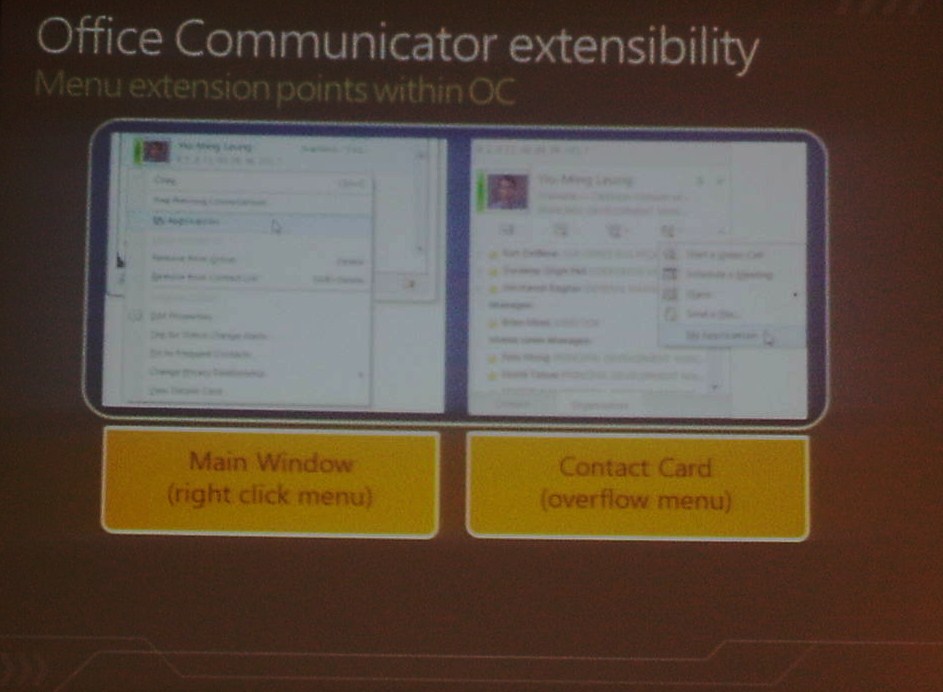
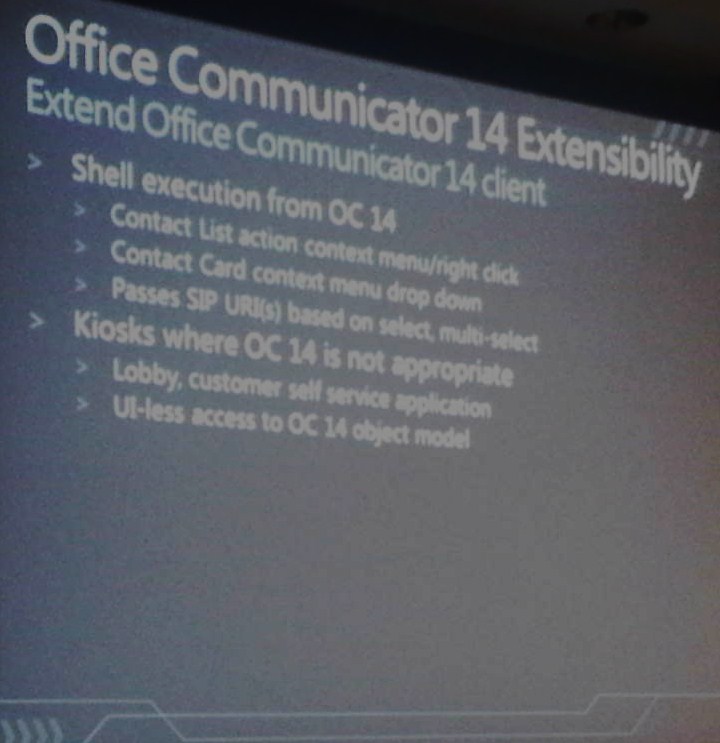
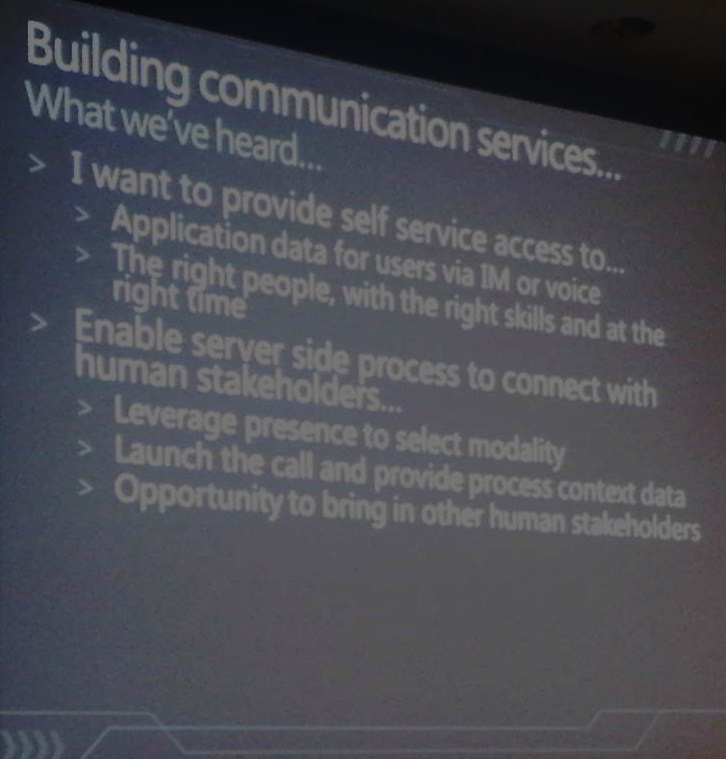
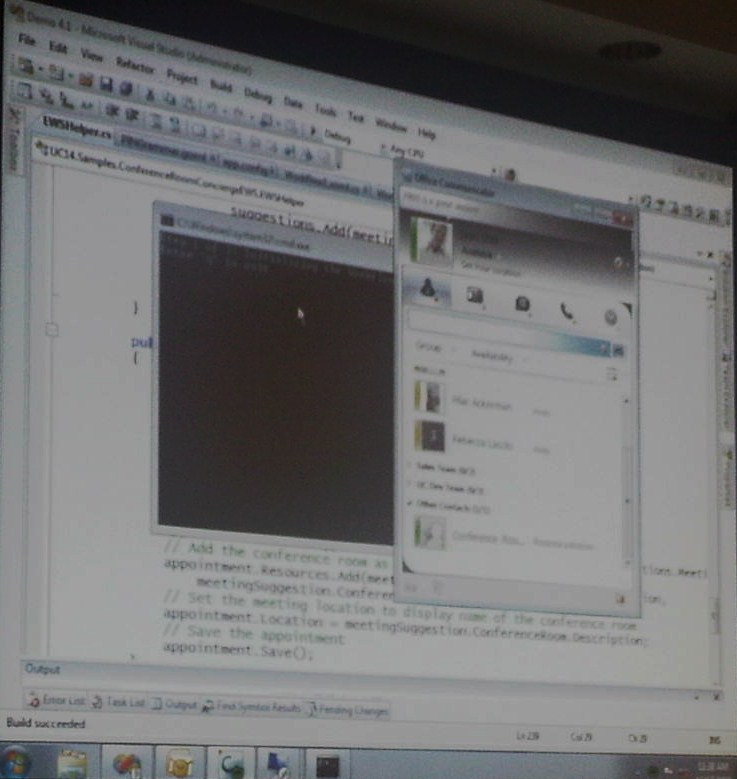
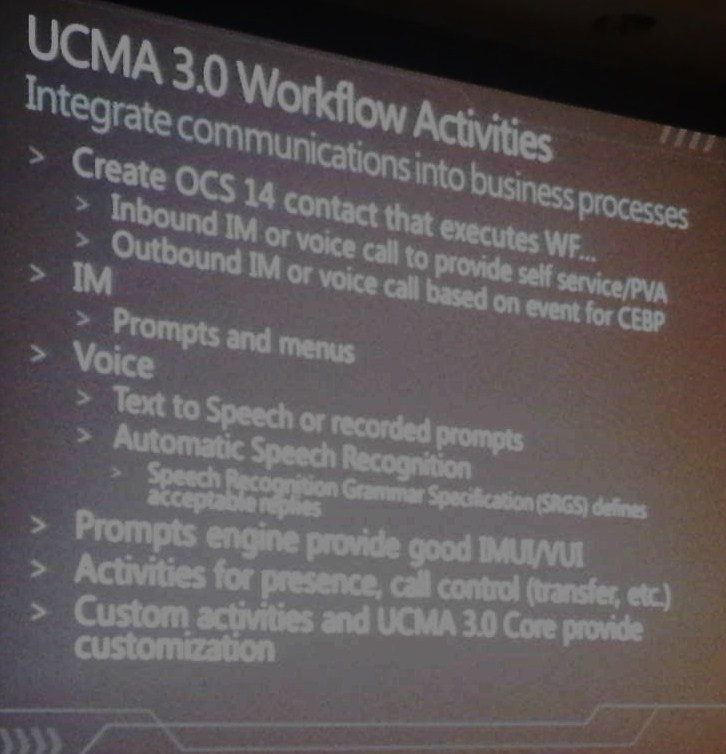
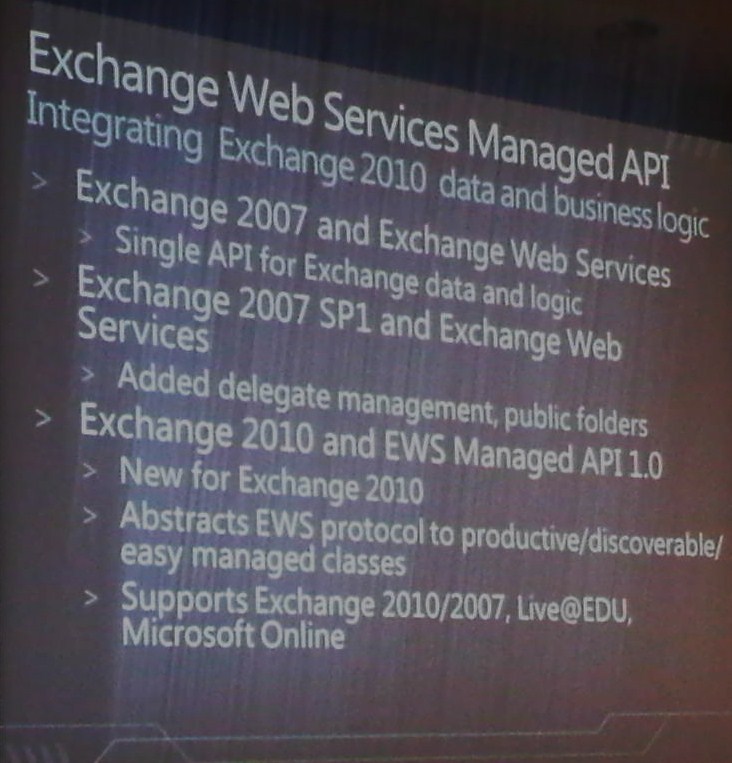
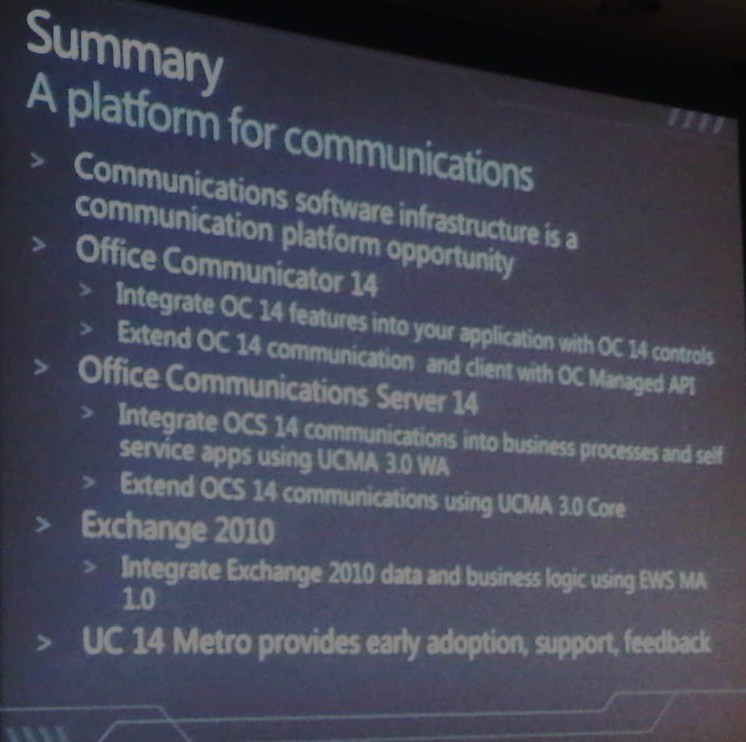
Below are a number of key slides presented, including a few sneak peeks of the Communicator 14 UI. (excuse the quality, these were taken at an angle with my BlackBerry Bold 9700)

Some very interesting integration already performed (in alpha) by the product group included:

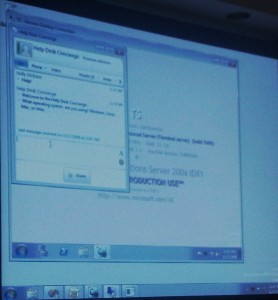
· A service desk IM bot that could be used to route a call to a relevant (and available) support analyst based on presence/availability and skill i.e. Wintel or Exchange expert.

· A virtual executive assistant that can be commanded by IM/ voice (or DTMF tones) to find available meeting rooms at a specific location.
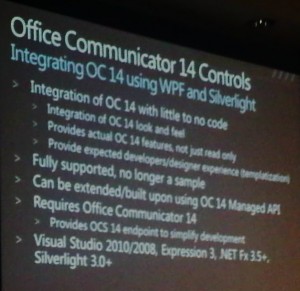
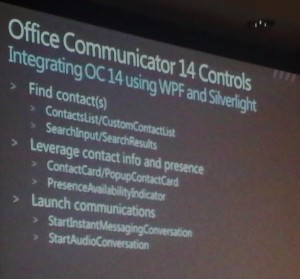
W14 MOC
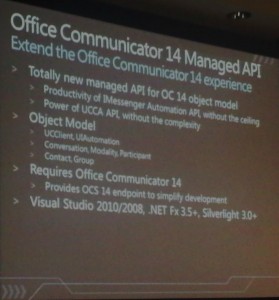
More W14 MOC
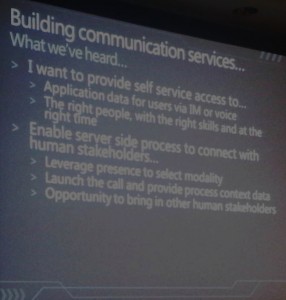
The Helpdesk bot demo
In case you were not already aware this was not ready for prduction use!
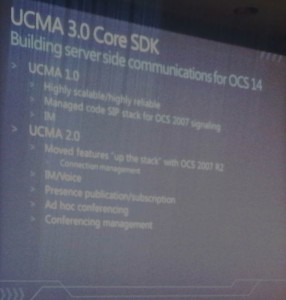
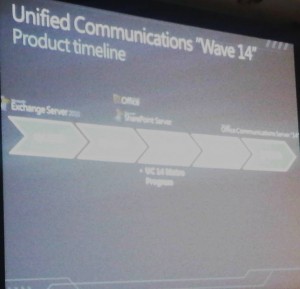
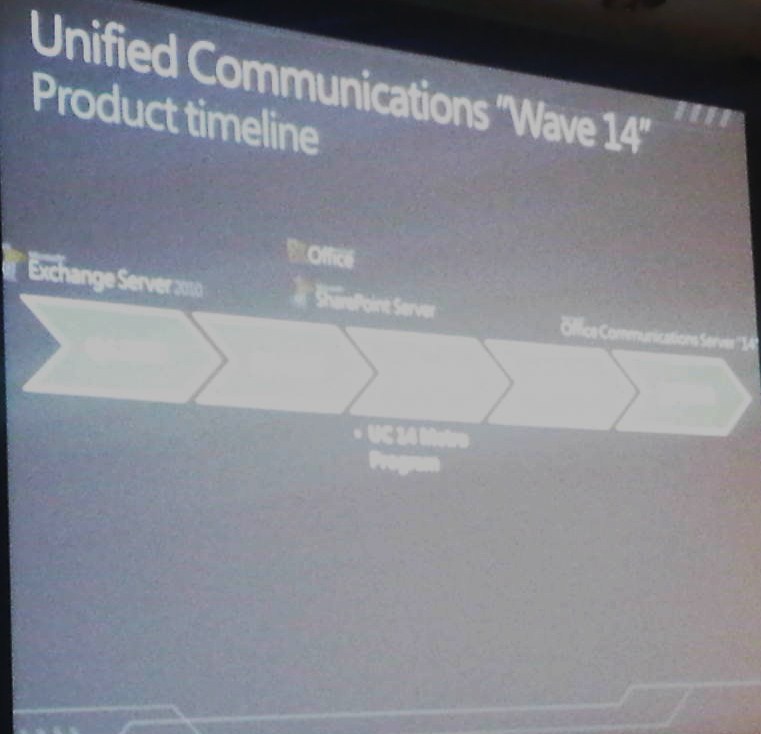
A Microsoft timeline including W14

That’s all folks!

November 10th, 2009 | Tags:

Yesterday (during Stephen Elop’s TechED keynote) I upgraded my release candidate of Exchange 2010 to RTM, thankfully this went without a hitch. However, like the rest of the community it appears that the “pre-pidded” copy of Exchange released to TechNet and MSDN installs as an evaluation copy.

My initial thoughts were that this was an “upgrade” glitch, then I found posts on the TechNet Forums and EHLO referring to the same issue during a clean installation. Recent feedback from an Exchange team member clarifies (update: hrmm, not entirely) the situation:

Taken from EHLO:

Exchange said:

Everyone asking about the “pre-pidded” TechNet version, few things:- Exchange 2010 licensing warning is a licensing warning only, like it used to be with Exchange 2007. The server – when installed – does not have a product PID. A PID needs to be entered post setup, and the PID will determine the version of the server. Once the evaluation period is over, the product will still work the same, with same limitations of the non-licensed server. It is not a “time bomb” but rather a licensing warning. The details around keys mentioned here still apply: http://technet.microsoft.com/en-us/library/bb232170.aspx

– Please post a comment on this: I am guessing that somewhere, we mention that the TechNet version is Pre-pidded or else not so many of you would be asking about this. Can you tell us exactly where we say this, so we can correct this? We do not have a pre-pidded version.

Update 2:
Taken from EHLO:
NOTE TO ALL: it might take us a day or two to sort this out, but your servers will keep working. Even if the counter reaches zero (0) – there is no loss of functionality or service disruption that you will experience.
Update 3:
Taken from EHLO:
OK, this should now be fixed. Please log back into MSDN / TechNet and you should now see the keys at the Exchange 2010 download. You can use the key with the download that you already have.

Source: here

November 10th, 2009 | Tags:

The OCS 2007 R2 cumulative update installer has been already mentioned on a couple of UC community sites, however an official mention has been made over at the OCS team blog.

Source: here